
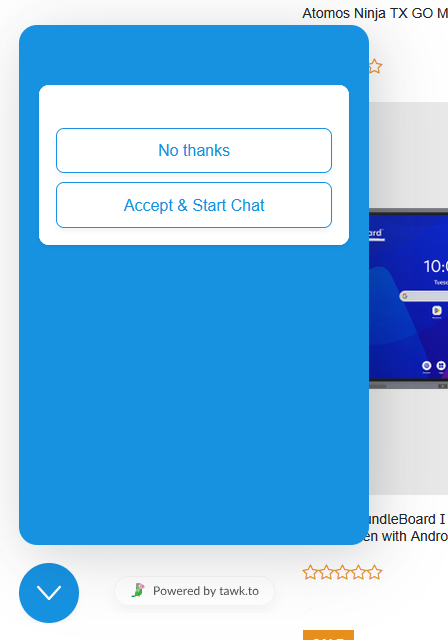
Consent turned on for visitors in the United States. When the visitor clicks on the attention grabber, they are just presented with two buttons, but nothing to agree to.
Hello @dedicatedpresentatio ,
Thanks for reaching out to us.
Upon checking, it appears that the consent form is currently configured to display only for users in Europe. Could you please update the setting to All Users and check if that resolves the issue?
If the issue persists, please try accessing your website using a different browser or an incognito/private browsing window to see if the behavior is the same.
Please let us know the outcome, and we’ll be happy to assist you further if needed.
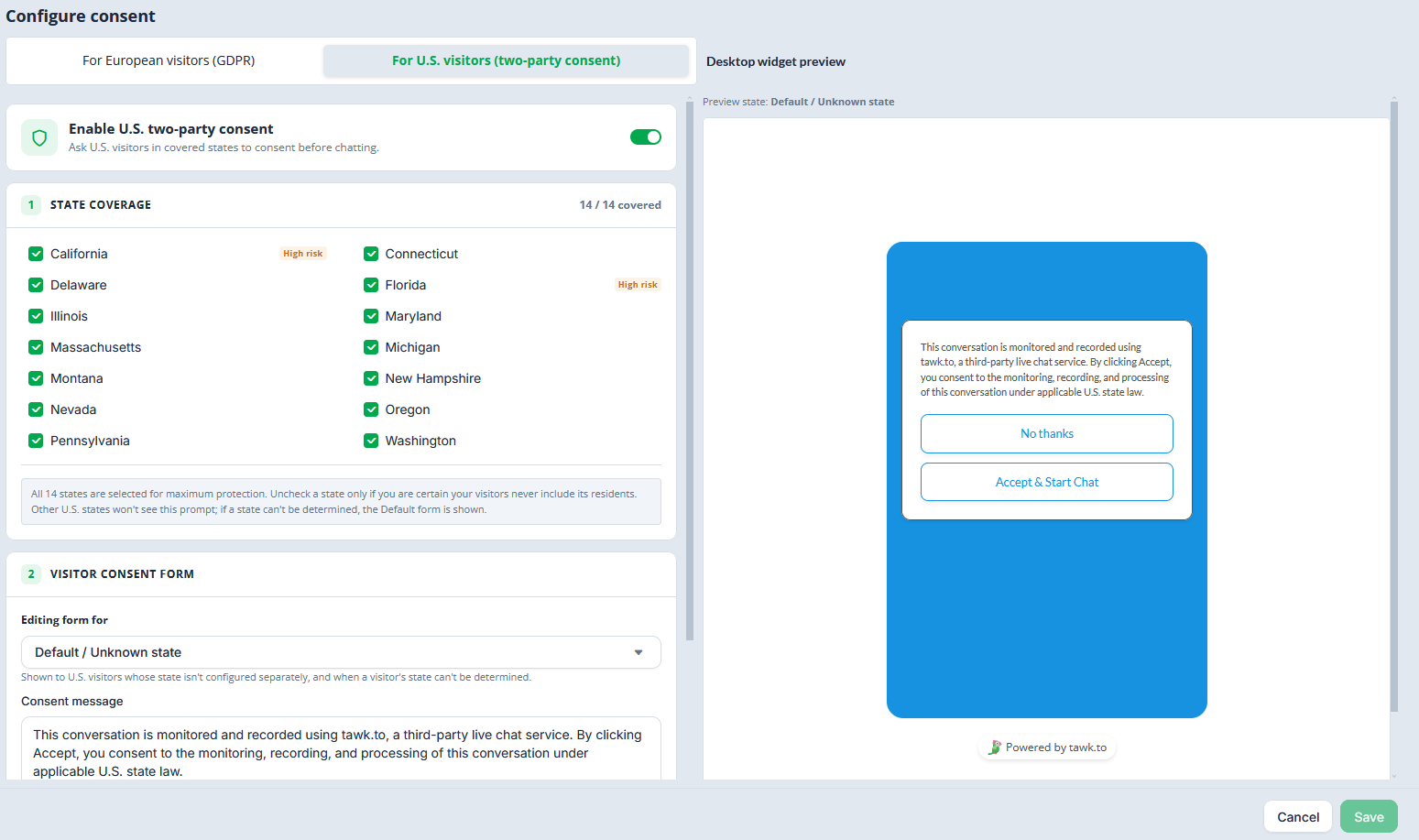
That is not correct, it is configured for the US, as shown in this screenshot. Additionally, I was “prompted” for consent, even though I am in New York State, but that is not one of the selected states.
Your response doesn’t make a whole lot of sense though. If it is only configured for Europe, and I am in the US, why would I be seeing this blank consent box at all then?
Apologies for the confusion in my previous message. Let me forward this to our development team for further investigation. We’ll keep you updated as soon as we have more information.
Additionally, can you please confirm if the consent form is set also to be available for EU customers? if no, can you try disabling it to EU customers?
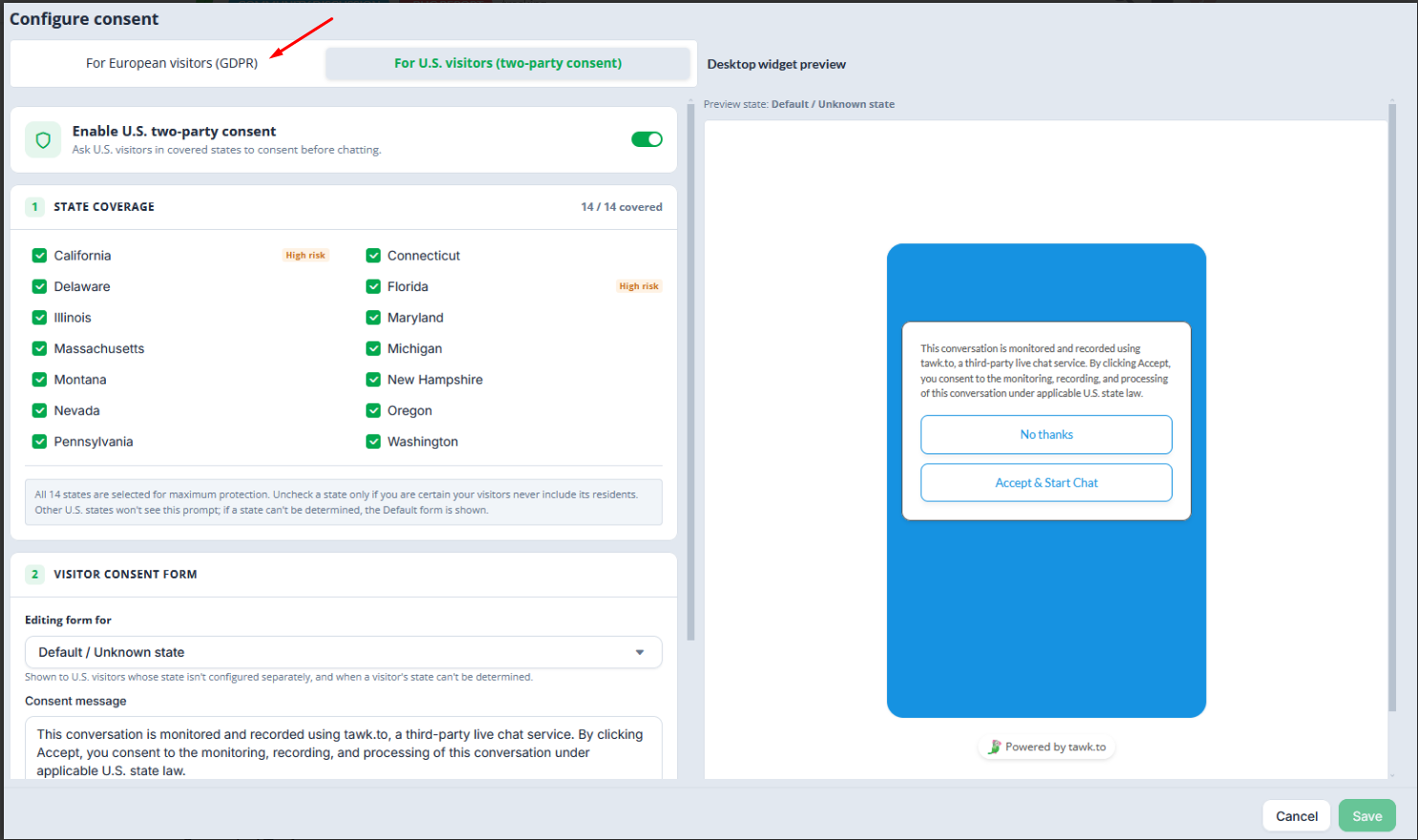
Yes it is set for BOTH EU and US visitors. Should I be turning this feature off if its going to confuse all of my visitors?
Just to clarify, were you expecting the consent form to be shown only to visitors in the EU?
If so, please try disabling the EU option and check whether it is still visible on your end.
No it should be shown to EU and US visitors as configured.
What are the next steps?
This has already been forwarded to our team, and they’re currently working on a solution. We’ll keep you updated as soon as the fix has been deployed. Thank you.
Is there a resolution?