Steps to replicate
- Log as user on firefox
- Start a chat
- Accept the chat on the panel
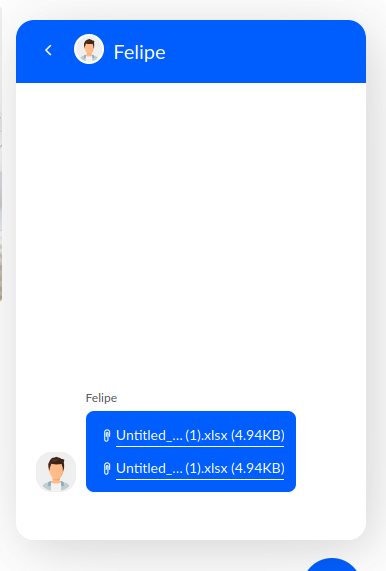
- From panel send a file (e.g a spreadsheet)
- On firefox side try to open the file
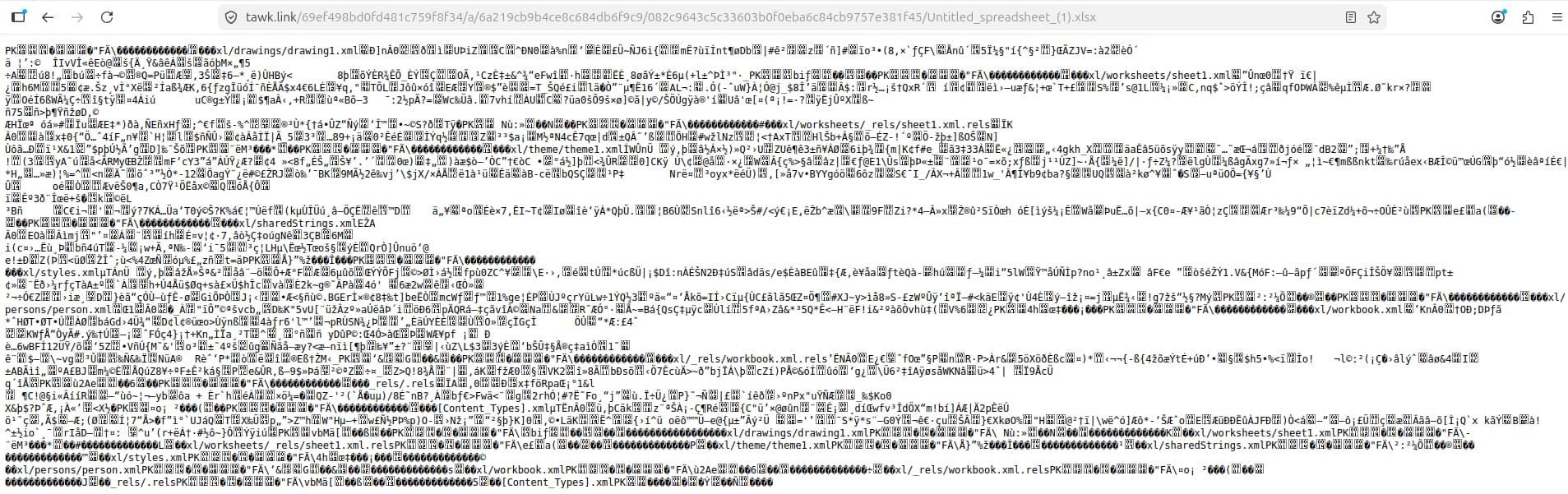
Result: It attempts to open the file in a new tab, but show a non readable content
Expected: Download the file
Example:
https://tawk.link/69ef498bd0fd481c759f8f34/a/6a219cb9b4ce8c684db6f9c9/082c9643c5c33603b0f0eba6c84cb9757e381f45/Untitled_spreadsheet_(1).xlsx
Note: Even with the setting to “Always ask you where to save files” enabled this is not working.
Hi lfelipeb,
Thank you for reporting this issue and for providing the reproduction steps.
To help us investigate further, could you please provide:
- Your Firefox version
- Your operating system (Windows, macOS, Linux, etc.)
- Whether the issue occurs with all .xlsx files or only a specific file
As a workaround, you can try right-clicking the attachment and selecting “Save Link As…” to download the file directly.
We’ll review the information and investigate whether this is a Firefox-specific issue affecting spreadsheet attachments.
Regards,
Janice
Hi @Janice I am on the latest firefox version and ubuntu (linux). However we got reports of the same on different OS.
This issues occurs with any xlsx, and most likely with other extensions that are not .txt however I haven’t tested.
Your workaround seems to work, however we would prefer a definitive fix for this, cause otherwise we will need to instruct users doing this which is not a god user experience.
1 Like