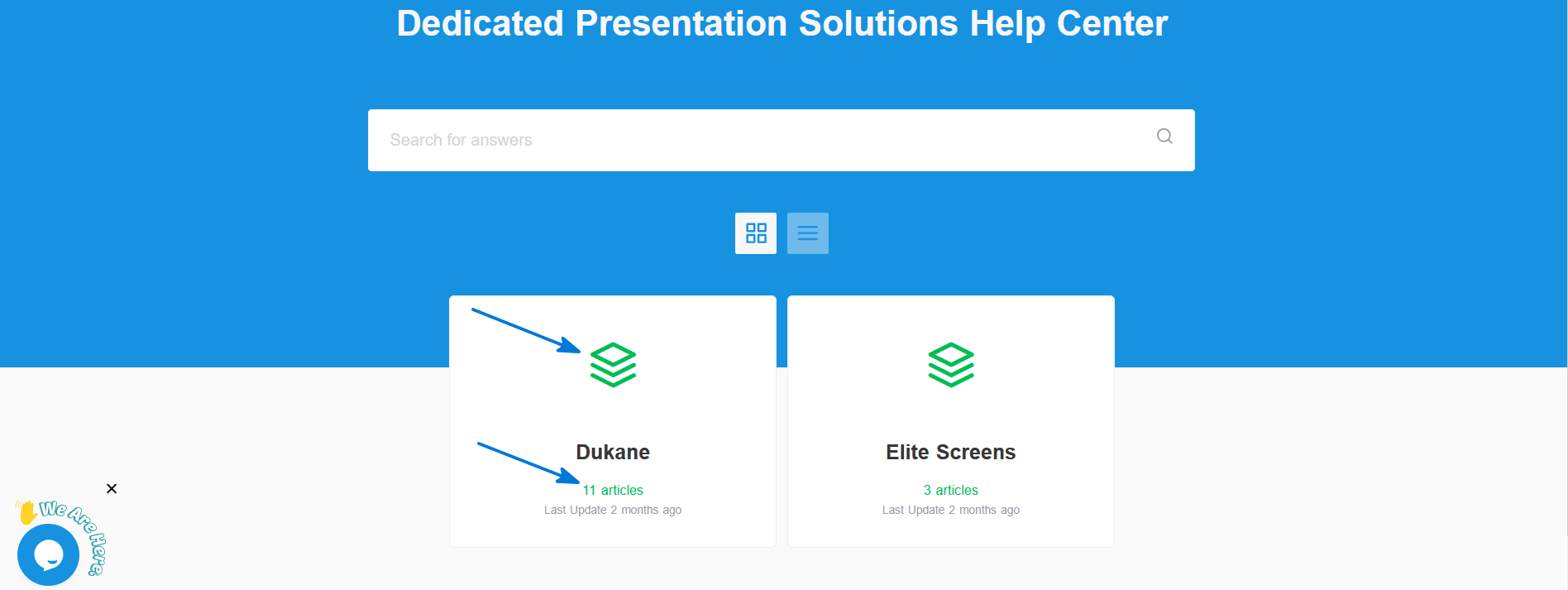
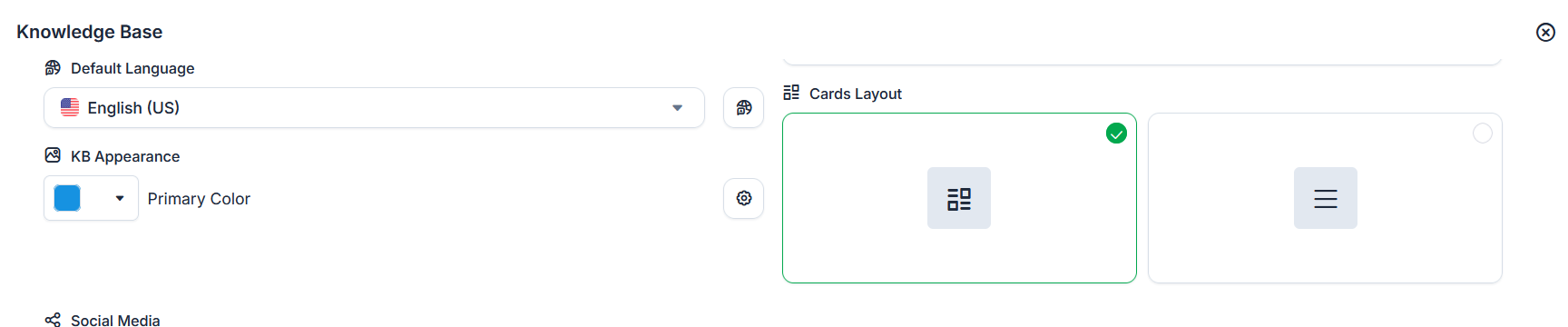
If I set a Primary Color in Configure > KB Appearance, that color should remove all of the green tawk.to coloring.
In this screenshot, I have set the Primary Color to a blue color. But I still see green.
If I set a Primary Color in Configure > KB Appearance, that color should remove all of the green tawk.to coloring.
In this screenshot, I have set the Primary Color to a blue color. But I still see green.
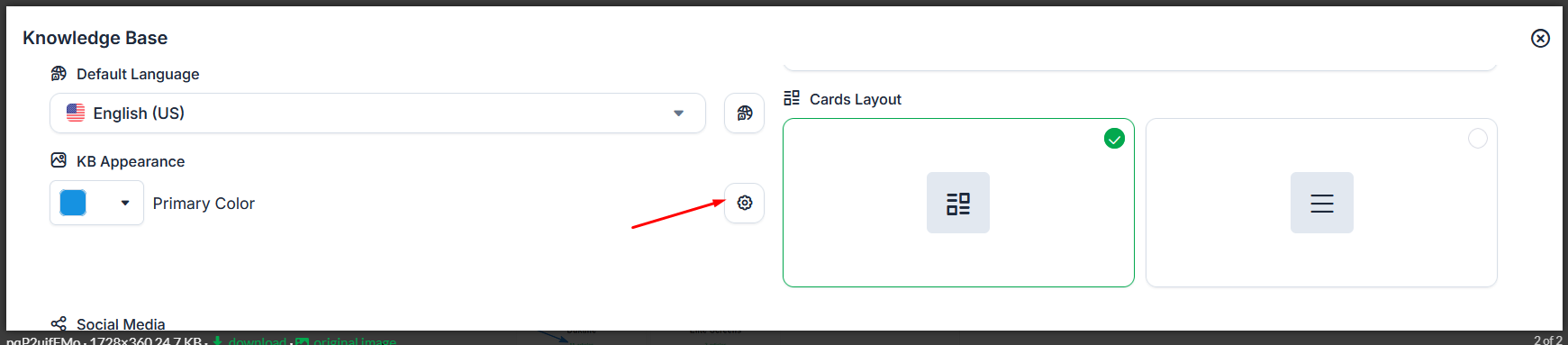
You’ll need to click the gear icon next to the Primary Color to customize the colors for the category. The Primary Color setting alone doesn’t change all of the green elements.
Once you update those settings, you should be able to replace the remaining green coloring with your preferred colors.
Thanks, that UI should be adjusted.
Thanks for the feedback! I’ll pass this along to our team so they can take a look and see if any changes can be made.