Hello everyone.
Over the past two weeks, we’ve noticed some strange behavior in the chat after opening the “Monitoring” tab - for example, when trying to view the list of visitors who currently have the chat open, or when trying to message the first user.
The problem is that as soon as you open the “Monitoring” tab, then switch to any other tab or start a chat with one of the users, the operator immediately “loses connection” with all Tawk chats. The best indicator of this is the number of visitors, which is visible before entering the “Monitoring” tab and disappears permanently (unless you close the program) immediately after exiting that tab.
Example:
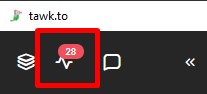
Chat in normal state, before entering the “Monitoring” tab:
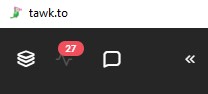
After going to the “Monitoring” tab, the number is still there:
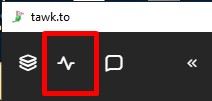
As soon as you switch to any other tab, the number disappears and does not reappear until you return to that tab:
This could be dismissed as a mere visual bug, but the number is just one of the signs that the operator’s session has started to malfunction.
The main issue is that, in this state, the operator no longer receives new chat messages or notifications from chats they have already joined. This lasts exactly until tawk is restarted.
This issue occurs in both the tawk.to desktop app and the web version. For the desktop version, you need to completely close and reopen the chat to resolve it; for the web version, simply reloading the page is sufficient.
We would appreciate your help in resolving this.
Thank you for reaching out to us, and we sincerely apologize for the inconvenience this issue may have caused.
Our team has reviewed the matter and confirmed that the issue has already been resolved. Could you please check on your end and let us know if you are still experiencing the same problem?
We appreciate your patience and look forward to your update.
Thank you! It looks like the issue with the number next to “Monitoring” and accepting new chats has been resolved.
But we also noticed another oddity. One operator may not see another operator’s new chats (in the left panel of active chats) until the first operator switches to the “Monitoring” tab.
Apparently, the tab itself triggers a forced data refresh, and chats that were previously invisible appear after switching to “Monitoring.”
The same situation applies to the client’s status in the chat (the green or yellow icon next to the flag). If you stay on the chat page without switching to the “Monitoring” page, the chats remain in the green, active status all the time. But if you switch to that page, it appears that a data refresh is triggered, and the chats turn yellow because the visitor is no longer active.
In summary: active chats on the left-hand side of the interface sometimes seem to freeze in their current status until the operator switches to the “Monitoring” tab, at which point the data refresh is triggered.
We would appreciate it if you could also check this issue and help us resolve it.
Thank you!
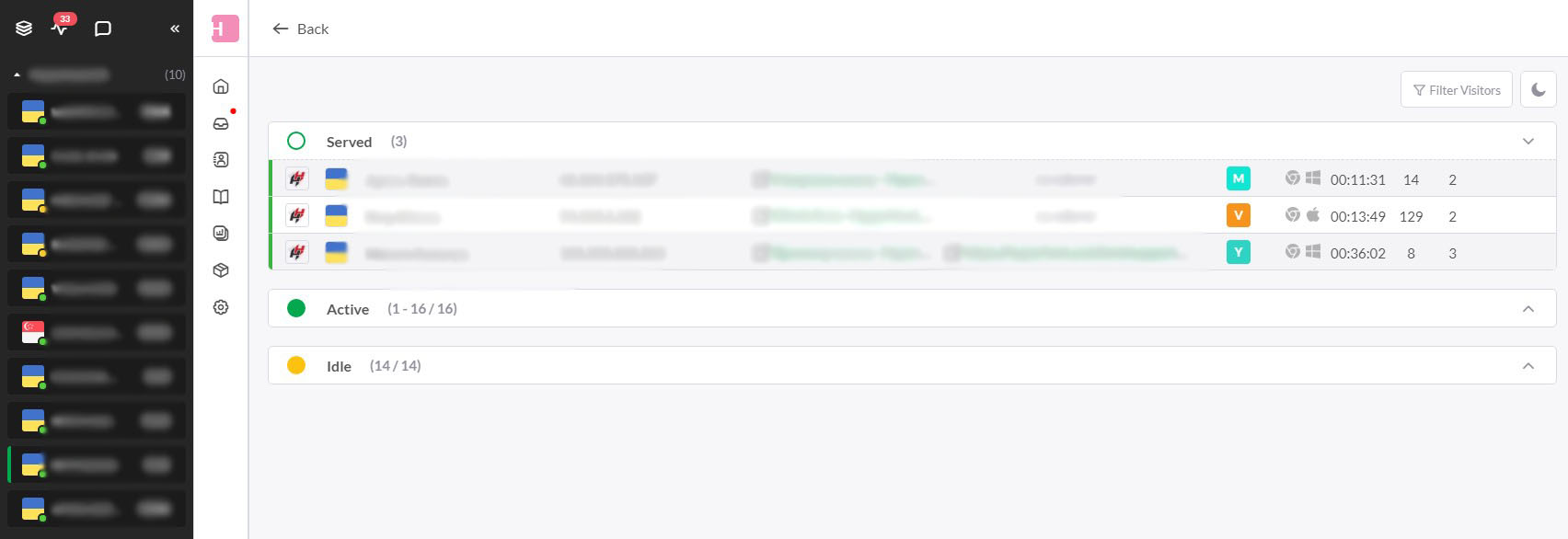
You can also see this by opening the “Monitoring” tab with active chats separately and comparing it to the number of chats in the left pane.
In our example, there are 3 active chats in the “Monitoring” tab, while there are 10 in the left panel.
It looks like the problem is still there.
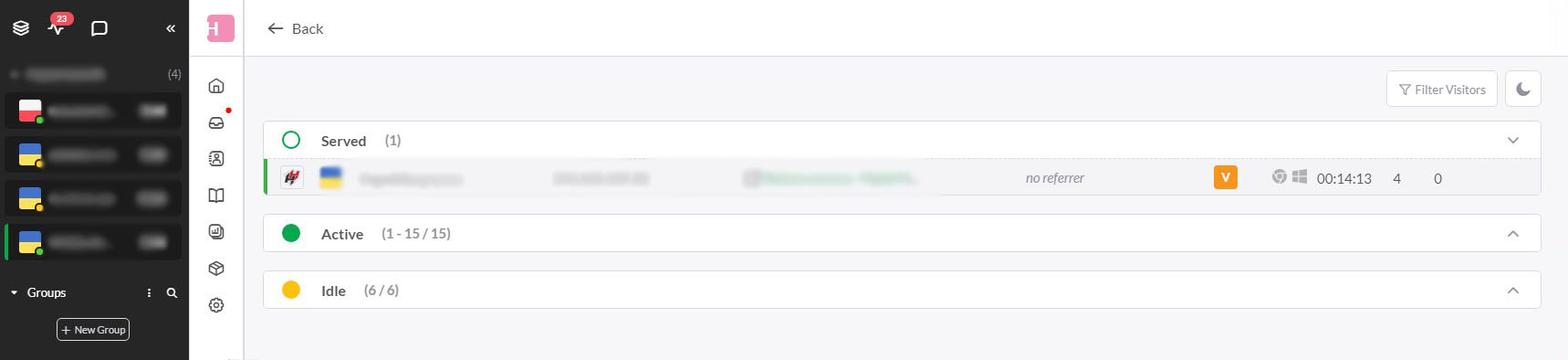
We just checked again—it looks like there’s still a synchronization issue between the active chats on the left and the “Monitoring” panel (4 vs. 1, as shown in the screenshot).
At the same time, the other 3 users listed on the left are not actually on the site at the moment (they cannot be found in the “Monitoring” section, neither in the “Active” tab nor in “Idle”).
Apparently, this doesn’t directly affect functionality. It just creates a visual discrepancy.