Hi!
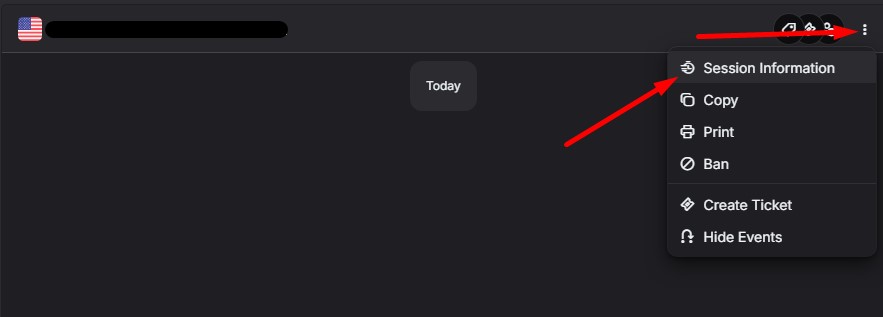
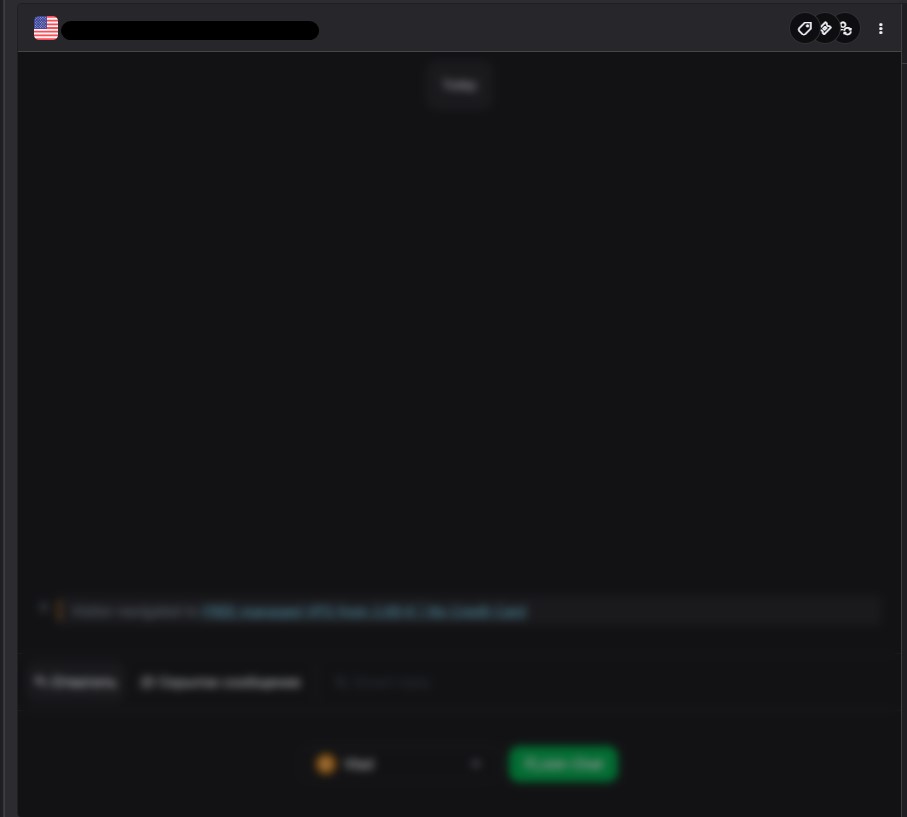
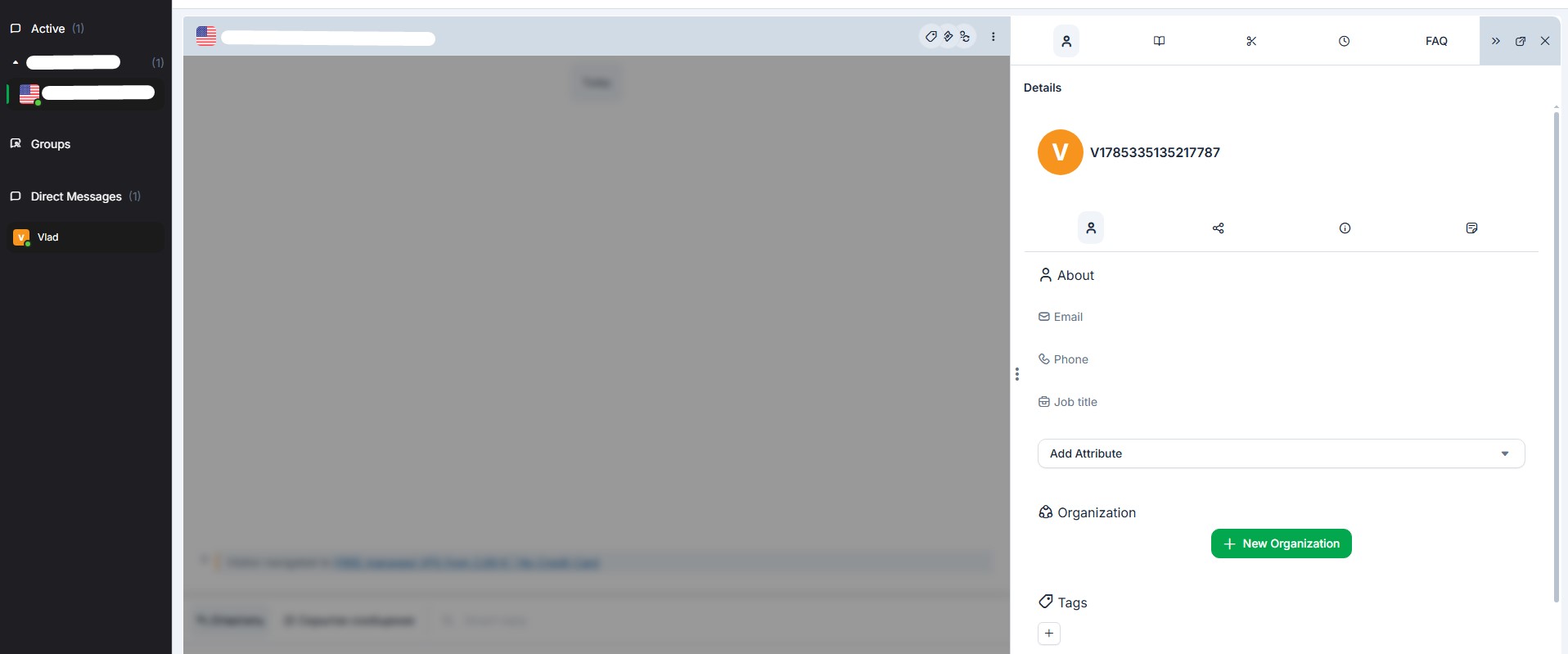
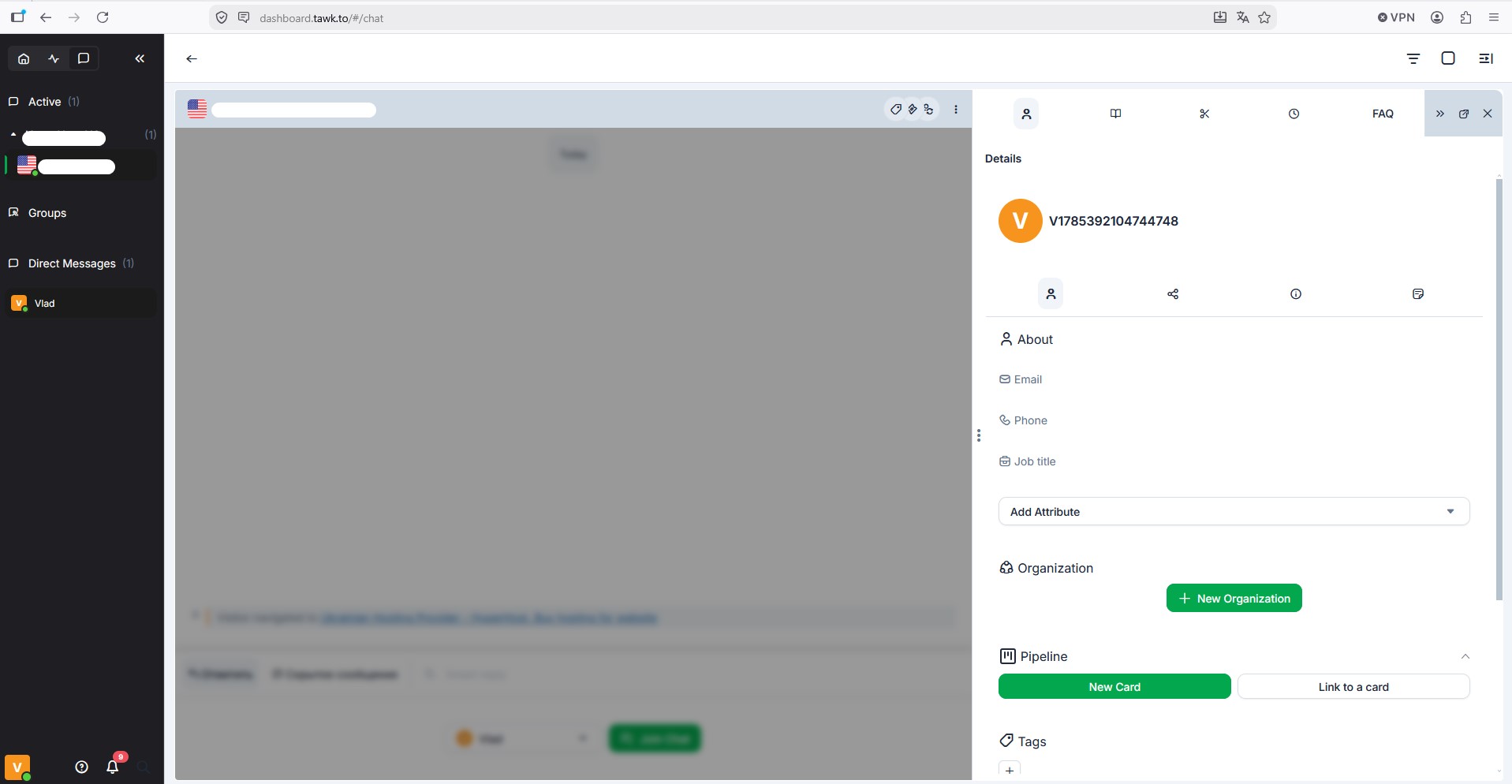
For quite some time now, we have noticed that the “Session Information” section does not load when opened from the dialog’s properties page; we have attached screenshots. The area simply appears blurry, but no user information is displayed.
This behavior occurs not only in the desktop app but also in the browser version.
Could you please look into this? Thank you!
Hi @SalesManager380 ,
Thanks for reaching out to us.
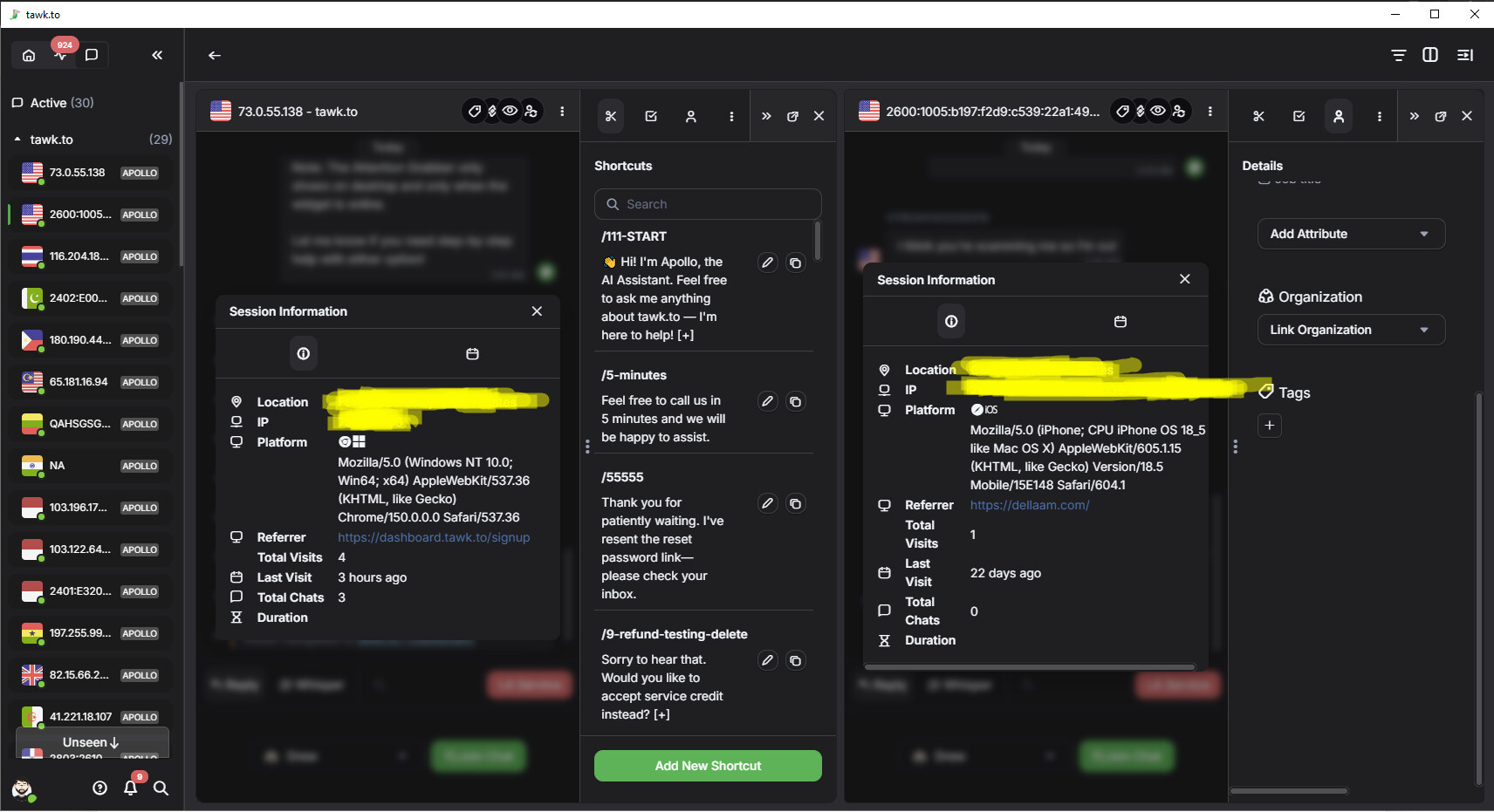
Could you please let us know if you’ve tried using a different browser? I also tested this on my end using multiple browsers as well as the desktop app, and I was able to see the details without any issues.
Please let us know the results, and we’ll be happy to continue investigating if the issue persists.
Yes, unfortunately, the problem occurs regardless of the browser or its version, and the same issue occurs in the desktop app itself.
For example, the previous screenshots were taken in Chrome, version 148.0.7778.216.
We just tested it in Firefox, version 153.0 (64-bit), but the situation is the same; we’re attaching a screenshot.
We also tested it on another PC located on a different network and even in a different country using Chrome, version 151.0.7922.71, but the situation is the same. I can’t add a second screenshot because I’m getting an error saying that new users can only send one attachment per reply, but if necessary, I’ll send a separate screenshot from this Chrome browser.
Thank you for providing the screenshot and additional information. I’ll pass this along to our team so they can investigate the issue further. We appreciate your patience and cooperation while we look into this.