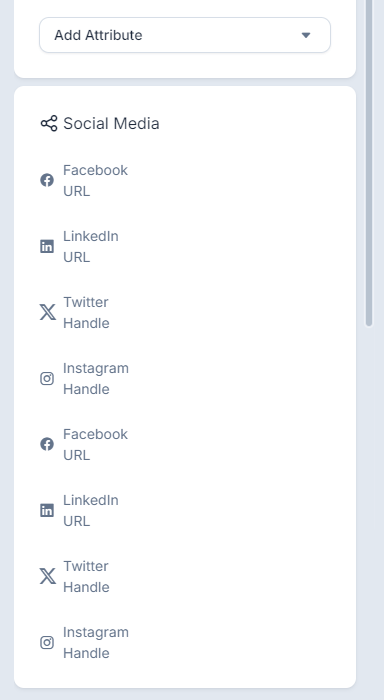
See the screenshot below.
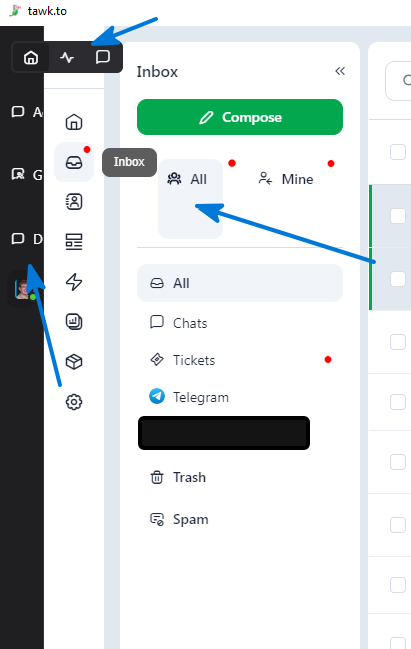
Have you tried restarting the app? I attempted to replicate the issue on my end, and the only behavior I noticed was the space below the ALL and MINE buttons. Aside from that, expanding and collapsing the sidebar is working as expected for me.
Please let me know if the issue persists after restarting the app.
Issue does persist after restarting the app.
Thanks! I’ll share this with our team for further investigation. I appreciate your help!

Creating a new ticket in the Windows desktop app, the Attachments section and the Create button are hidden. There is no scrollbar to get to them. The only way to get there is to use the TAB key, and then they eventually appear.