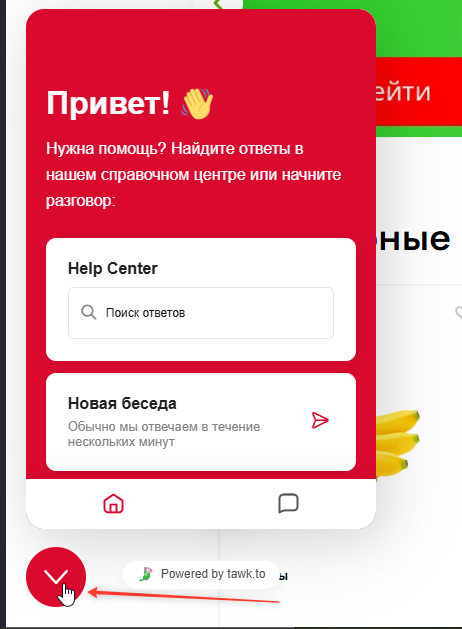
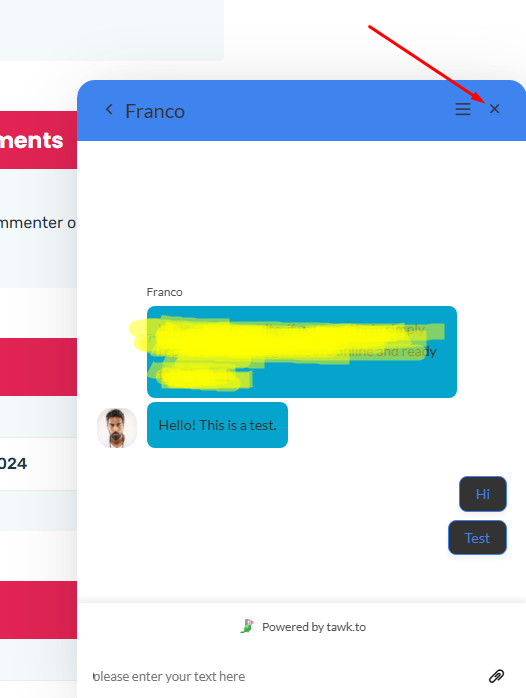
Hi. We have a suggestion for improving the interface. Our clients complain that it’s not intuitively clear how to collapse the chat window. The down arrow isn’t perceived as a way to collapse the chat. We conducted research and found that the most understandable methods are either a cross (X) or a word (“collapse” or “close”). We’d appreciate it if you could make changes to the interface.
1 Like
Hi @INGWAR ,
Thank you for sharing your feedback—we really appreciate the insight and the time you took to explain it. Currently, the chat widget can be minimized by clicking the (X) close button.
I’ll be sure to forward your suggestion to our team for consideration in future interface improvements.