How can I export the data to check how many chats we received each day? I want to calculate the daily chat volume based on each page.
Hi,
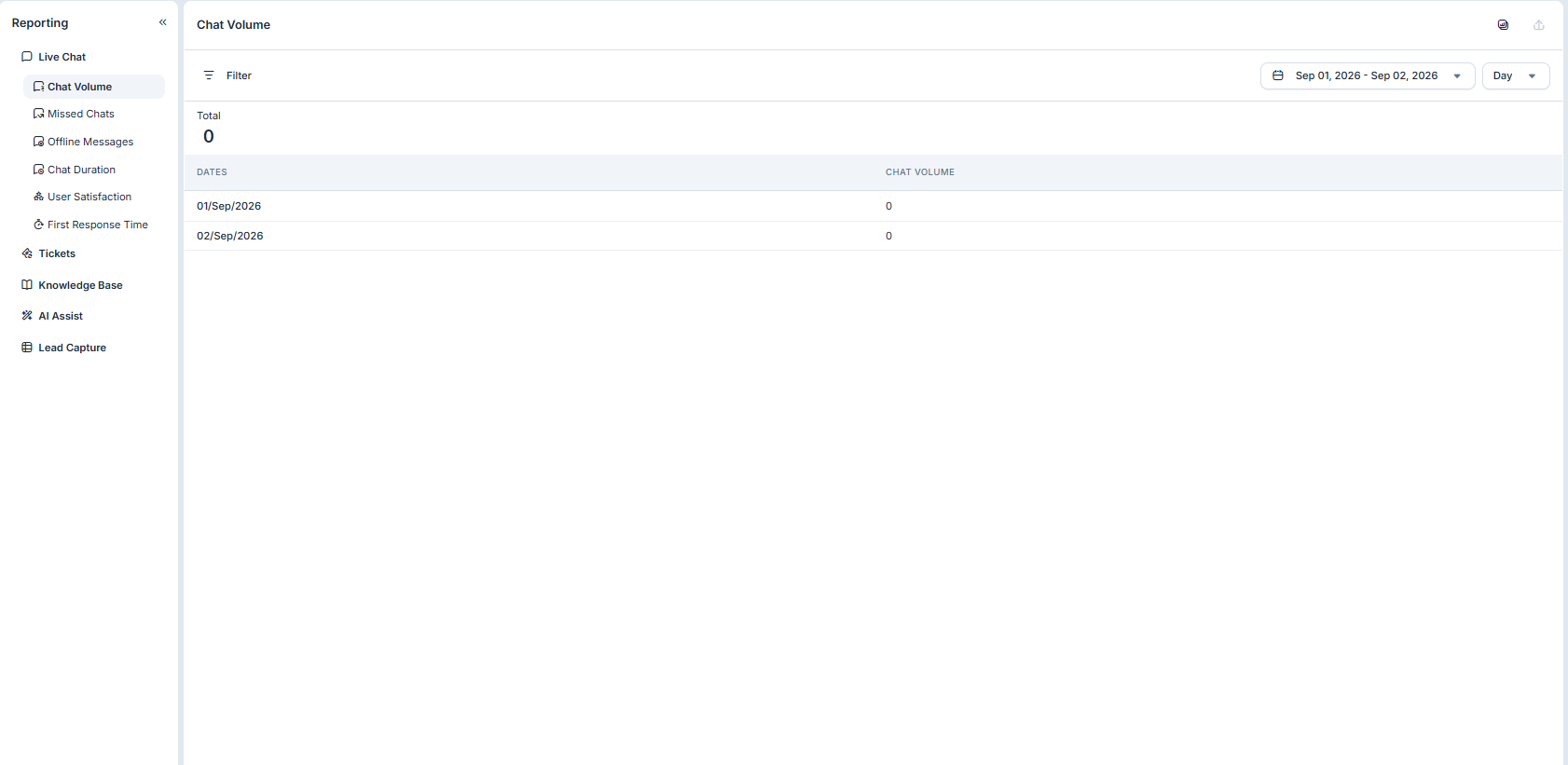
It can be found under the Reporting section of the tawk.to dashboard, the 8th icon below property selection. Then you can use the filter options and set them to a specific date range of at least 2 days to generate a daily total report or count of the chat volume; then you can click the “Export” icon to download the report.
You may view related topics here Help Center | tawk.to | Understanding reporting
Hi,
Please first confirm that you have selected the correct property and date range.
You can also try selecting Last 7 days or Last 30 days, and make sure there are no Agent or Tag filters applied.
If you can see chats in the Inbox for the same property and date range but they are not reflected in Reporting, please let us know. In that case, I suggest scheduling a call with support so we can investigate this further.
You can schedule a call here.
If the report still isn’t showing the expected chat counts, it may help to compare the exported data with the actual conversations in the Inbox for the same property and date range. Since the goal is to calculate daily chat volume for each page, it’s also worth checking whether the report includes a page URL or landing-page dimension, rather than only an overall daily total.
If page-level data isn’t available in the standard report, could tawk.to Support confirm whether it can be exported through another report or API? That would help identify the best way to track daily volume per page.
Hi Alex, chat volume per page isn’t currently supported natively in tawk.to. You can get this data by sending tawk.to chat events to Google Analytics:
- Directly on your site: Help Center | tawk.to | Setting up tawk.to for Google Analytics tracking
- Through Google Tag Manager: Help Center | tawk.to | Setting up tawk.to for Google Analytics 4 tracking with Google Tag Manager
Google Analytics records the page URL with every event. Once the chat event is coming in, you can break it down by page and date in your Google Analytics reports.